22 prompts that make AI your Excel expert: formulas, data cleaning, pivots, dashboards and ready trackers for Indian offices.
Excel skills are listed in countless job descriptions, yet most people only know SUM. With AI, you don’t need to memorise formulas: describe what you want in plain English (or Hinglish) and get the exact formula, explained step by step. This book shows you how, with real office examples.
Get any formula (VLOOKUP, XLOOKUP, IF, SUMIFS, COUNTIFS, TEXT, DATE) by describing it
Create trackers for attendance, sales, expenses, GST invoices and inventory
Fix formula errors and learn Excel faster for interviews
Who it’s for
Office staff, accountants, MIS executives, students, teachers, shop owners and job seekers who need Excel skills.
Best tool for this book: ChatGPT, Gemini or Claude (free) all work. Paste a few sample rows (with fake data) so the AI understands your columns. Paid Copilot in Excel or Gemini in Sheets can act directly in your file, but copy-paste on free plans works great.
What’s inside
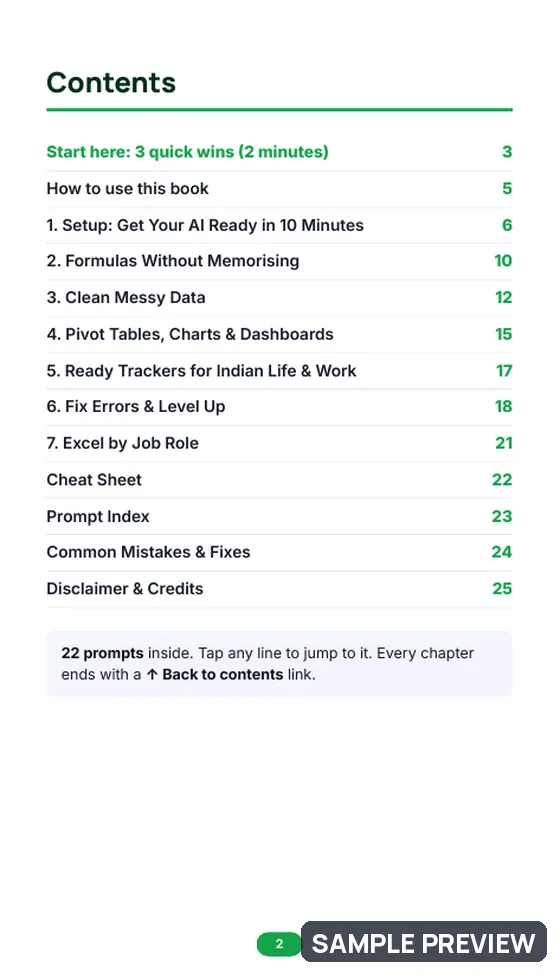
1. Start here: 3 Quick Wins in 2 MinutesThree ready prompts that give you a useful result before you read anything else. · 3 prompts
2. Setup: Get Your AI Ready in 10 MinutesChatGPT, Gemini, Claude, Copilot, Meta AI & Perplexity: free vs paid plans, step by step.
3. Formulas Without MemorisingDescribe your goal in plain words and let AI write the formula. · 4 prompts
4. Clean Messy DataMost of the time in Excel goes into cleaning data. AI makes it fast. · 3 prompts
5. Pivot Tables, Charts & DashboardsTurn rows of data into answers your boss can read in 10 seconds. · 4 prompts
6. Ready Trackers for Indian Life & WorkAsk AI to design the sheet, then build it in 10 minutes. · 3 prompts
7. Fix Errors & Level UpUnderstand what went wrong and learn advanced tricks. · 3 prompts
8. Excel by Job RoleRole-specific prompts for the work you actually do. · 2 prompts
Quick-reference cheat sheet, prompt index, common mistakes & fixes
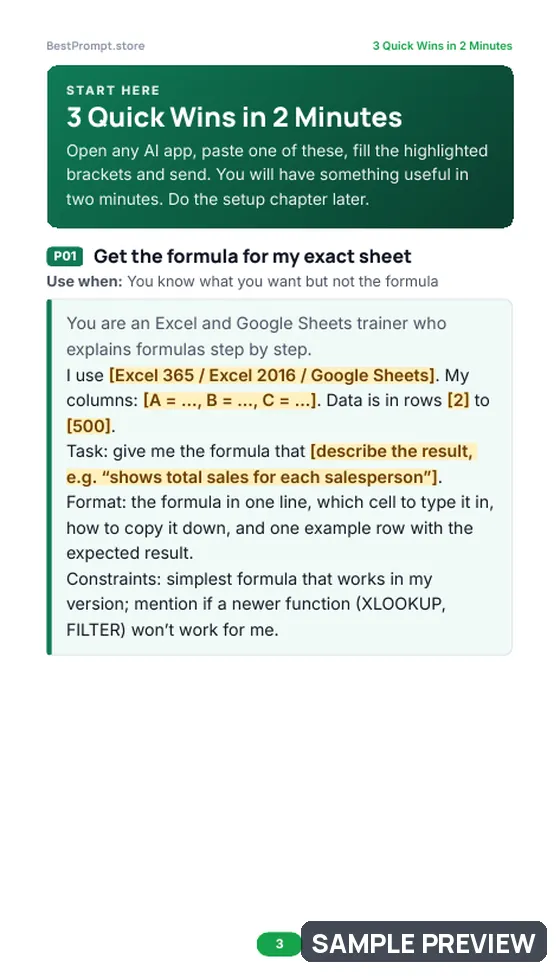
Copy one into ChatGPT, Gemini or Claude now and replace the [brackets] with your details.
Get the formula for my exact sheet
Use when: You know what you want but not the formula
You are an Excel and Google Sheets trainer who explains formulas step by step.
I use [Excel 365 / Excel 2016 / Google Sheets]. My columns: [A = …, B = …, C = …]. Data is in rows [2] to [500].
Task: give me the formula that [describe the result, e.g. “shows total sales for each salesperson”].
Format: the formula in one line, which cell to type it in, how to copy it down, and one example row with the expected result.
Constraints: simplest formula that works in my version; mention if a newer function (XLOOKUP, FILTER) won’t work for me.
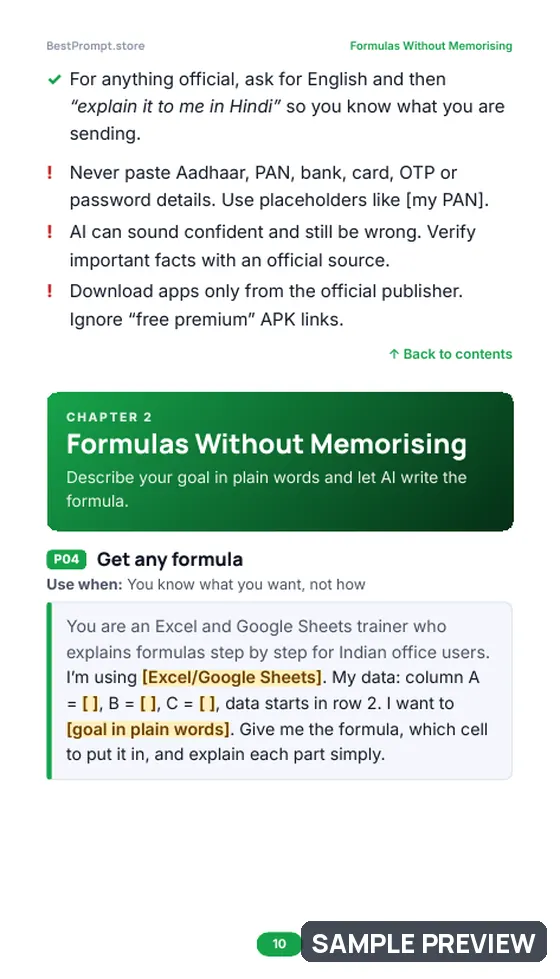
Get any formula
Use when: You know what you want, not how
You are an Excel and Google Sheets trainer who explains formulas step by step for Indian office users.
I’m using [Excel/Google Sheets]. My data: column A = [ ], B = [ ], C = [ ], data starts in row 2. I want to [goal in plain words]. Give me the formula, which cell to put it in, and explain each part simply.
Clean my data step by step
Use when: Data from different sources
You are a data-cleaning expert who works with messy Excel exports from Tally, Naukri and HR systems.
Here are sample rows of my messy data: [paste 10 rows with dummy values]. List all problems (spaces, mixed date formats, duplicates, inconsistent spellings, blanks) and give step-by-step fixes using Excel features and formulas.
Get all 22 prompts, worked examples and the cheat sheetBuy for ₹99